Get started in minutes
Create a free account
- Free TrialSign up and get 2 free evaluations, good for 30 days. No card needed.
- After that, buy evaluation credits as you need them. No subscription, and they never expire.
Run Rightmove evaluations on web or mobile
- Find a listing you like. Use Rightmove's Share button, or copy the link straight from your browser.
- Then head over to our Rightmove page. We'll walk you through the rest.
In under a minute you'll have a verdict, pros and cons, and the questions to ask before going further. Rightmove sales, rentals, student lets and overseas properties. Nothing to install.
Check out our sample evaluations.
Evaluate everywhere else with our Chrome extension
Buying a used car? Renting or buying in the US or Canada?
- Install the extension from the Chrome Store.
- Open a listing on any of our supported sites, then click the extension. The details auto-fill. Click Evaluate.
You get the same verdict, pros and cons, and questions to ask, because it's the same evaluation engine that powers our Rightmove evaluations, built and graded for every site we support. See it in action in our sample motors evaluations. Credits work the same everywhere: one credit, one evaluation, any site. Worth knowing: Chrome extensions don't run on phones or tablets, so for these sites you'll need your desktop.
See our full list of supported sites.
What it looks like
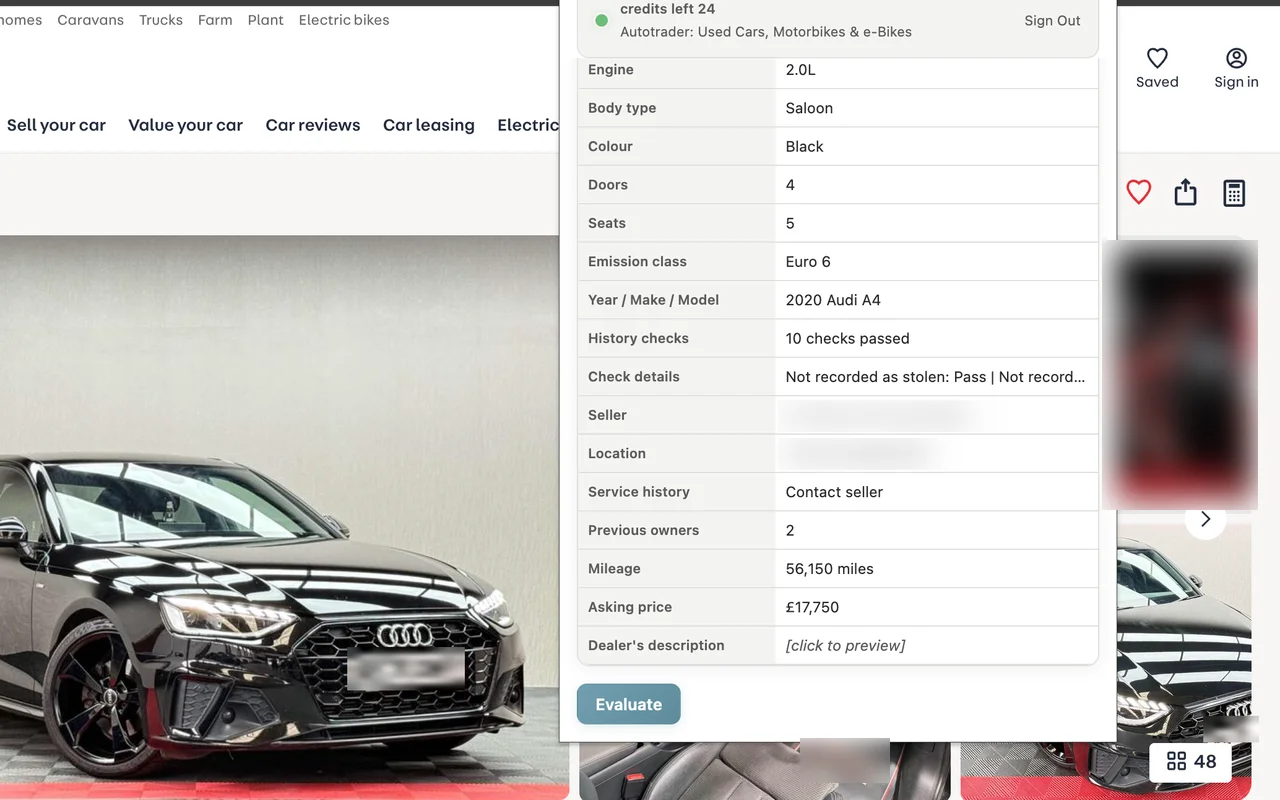
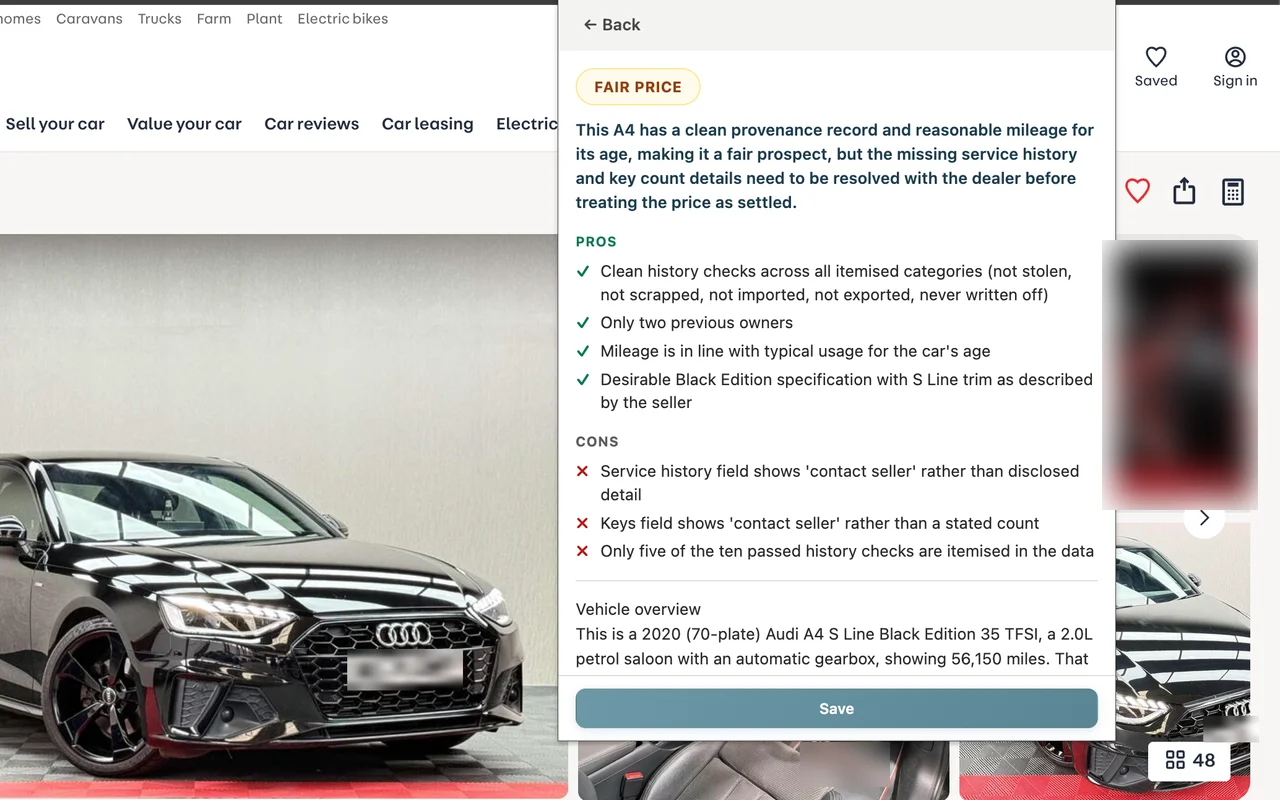
evaluatorAI is not affiliated with any of the listing sites featured on this page.